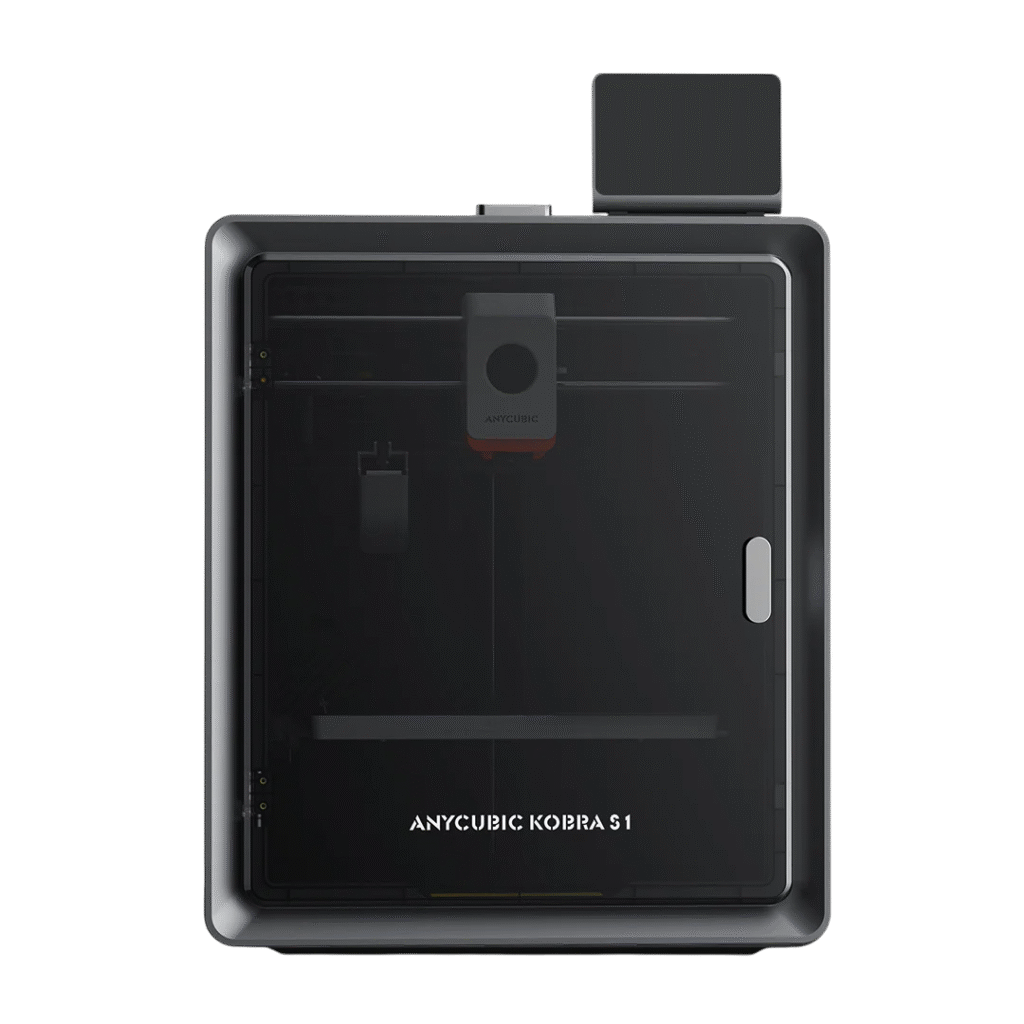
This is open to interpretation, but this is what worked for me on the Kobra S1.
Bed Levelling
This is critical. If your bed is not level, say goodbye to a good, consistent prints. This should be relatively straight forward to get done. I'll explain my method.
First thing is to make sure you build plate is clean and free of any adhesives or grease. Let it soak in the sink for a few minutes in some hot, soapy water, drying it thoroughly without leaving any fibres or other debris.
- Make sure the print bed is also secured. On the S1 there are 4 hex screws that hold it down. I found that loosening these and then tightening them in an X order (not too tight, finger and thumb tight with a little pinch)
- Next place the build plate on the bed.
- Open your slicer and load this stl. 240mm x 240mm x 0.2mm
Set this to print. It should only take 30mins depending on your speed.
The next part of this equation is the Z-offset. This is the distance to the build plate from the nozzle tip. This will vary and will also change when/if you change the nozzle.
This is also important as getting the first layer down smoothly will ensure good adhesion to the plate and good layer bonding. I ended up printing 3 of these until I was happy. I started with an offset of -0.25mm which resulted in a rough texture and "wave" like patterns. I settled on -0.1mm which got me near perfect, the finish was uniform with most of it smooth like paper.
I used Elegoo PLA+ at 220C and bed temp. of 70C. I've had really good results with Elegoo PLA+, so I tend to stick with that.
There are many options in your slicer that will also need adjusting to get good results like, extrusion width, print speed, layer height etc etc. In my settings, I slow down the print a little as I don't need fast speed and would rather have quality. If you use TPU, you will need to go considerably slower.